
Download the tournament fixtures
The Compaq Cup 2009 takes place soon and Cricinfo is offering a great service whereby you can download the tournament fixtures into your Microsoft Outlook calendar
03-Sep-2009
 |
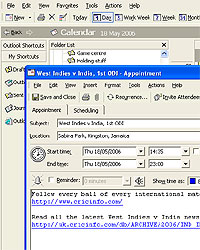 |
The Compaq Cup 2009 takes place soon and Cricinfo is offering a great service whereby you can download the tour fixtures into your Microsoft Outlook calendar. This means you will be automatically reminded on the day of the each match that a game is about to begin.
How to download...
1. Download the .ics file by clicking on the link below and selecting "Save" (Internet Explorer) or "Save to disc" (Firefox):
2. Open up Microsoft Outlook and from the 'File' menu select 'Import and Export'
3. From the next menu, select 'Import an iCalendar or vCalendar file (.vcs)'
4. Select the Cricinfo calendar file and upload
5. The tournament schedule will now be sitting in your Outlook Calendar